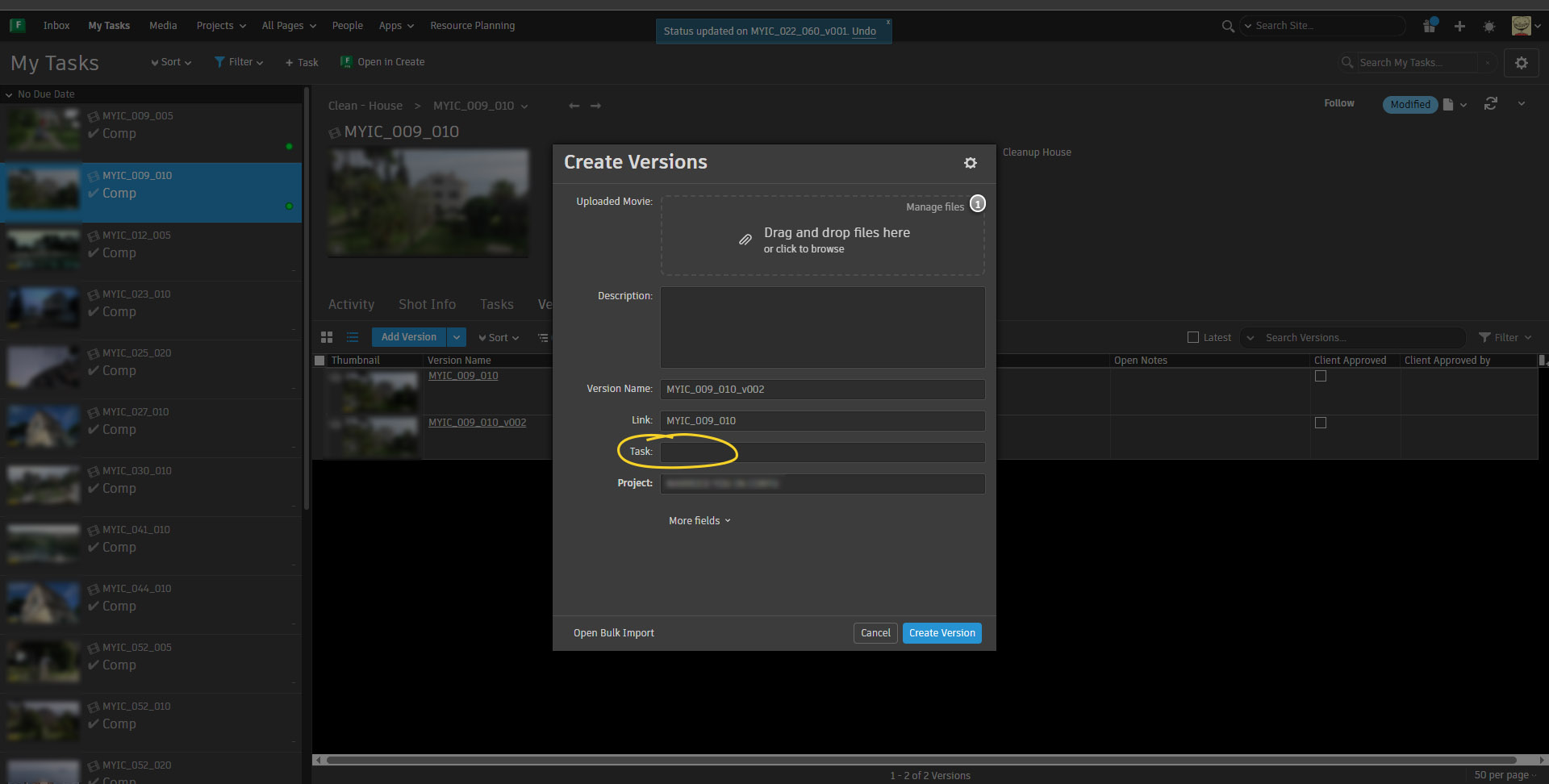
When adding new version on the “My Tasks” page I want the task field in the popup window to be automatically filled with the task that’s assigned to me. In this particular case the task is “Comp”.
I remember long ago this was default functionality but somehow it got lost after the countless adjustments we did with site’s settings.
Right now the field stays empty and the artist have to click inside and start typing to get the suggested task and select it.
Where do I change this setting? I read in the help that this should be available when I click on the gear button in My Tasks page but I don’t see “Design Page Mode” to click on.
Sorry I haven’t messed with the settings from a few years and now I feel very dumb